Documents
A word processor with the AI in the margin. Ask for a memo and it writes into the document, not into a chat box.
Opens and saves .docx
Local-AI office suite · by Consultancy in Action
Documents, spreadsheets, presentations, PDFs and Markdown — with an assistant that writes into them, running on a model on your own machine. No account. No API key. No cloud service behind it. The only address the app's own code contacts is the model endpoint you set, and out of the box that is your own computer.
Why it exists
Every mainstream office suite now has an assistant in it, and every one of those assistants works the same way: your document goes to someone else's computer, a model there reads it, and the answer comes back. For most work that is a fair trade. For a client file, a board paper, a medical letter or anything under NDA, it is a question you have to answer before you can use the feature at all — and the honest answer is usually that you cannot.
So the assistant gets switched off, and you are back to an office suite from 2015 while paying for one from today.
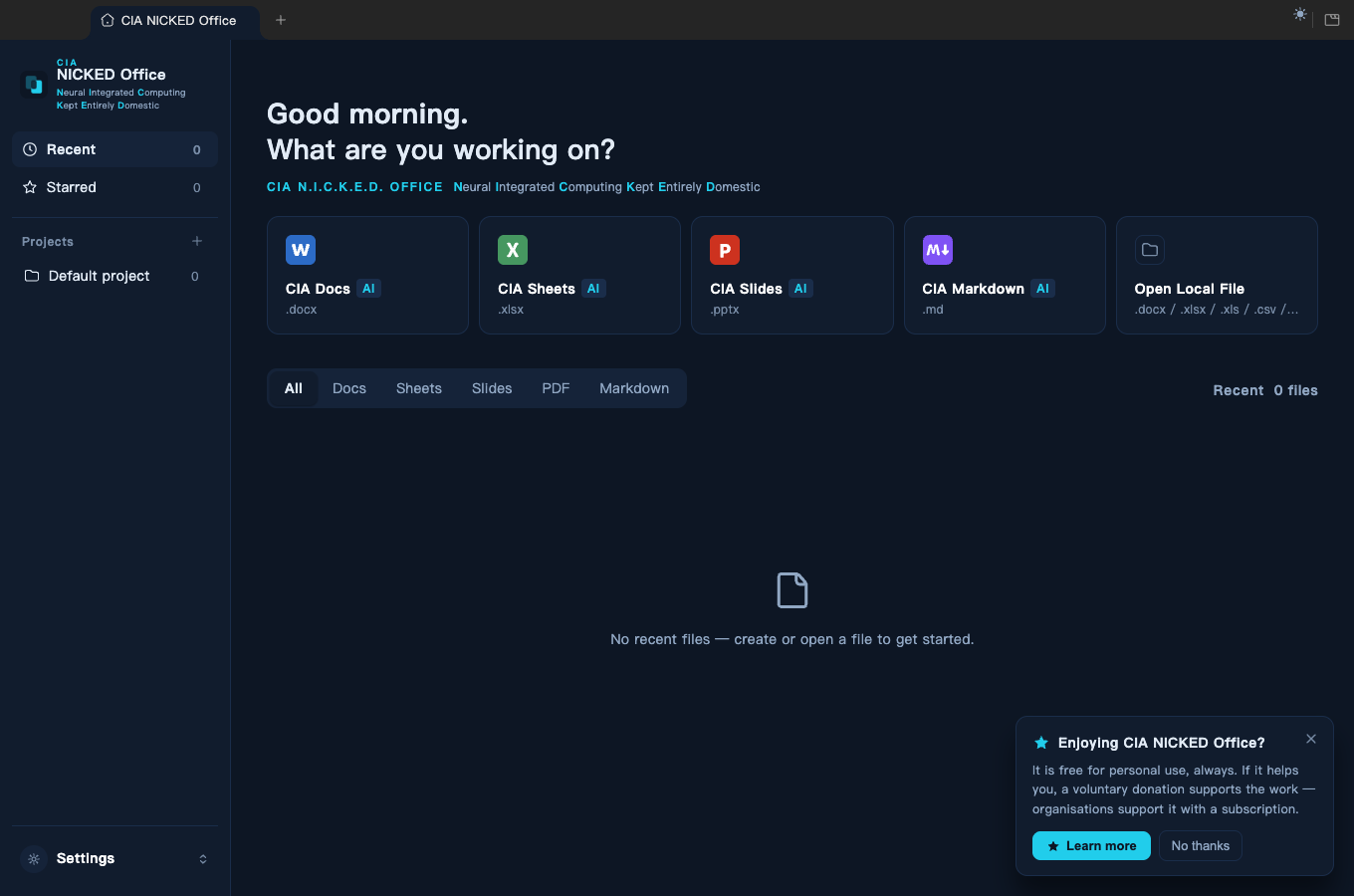
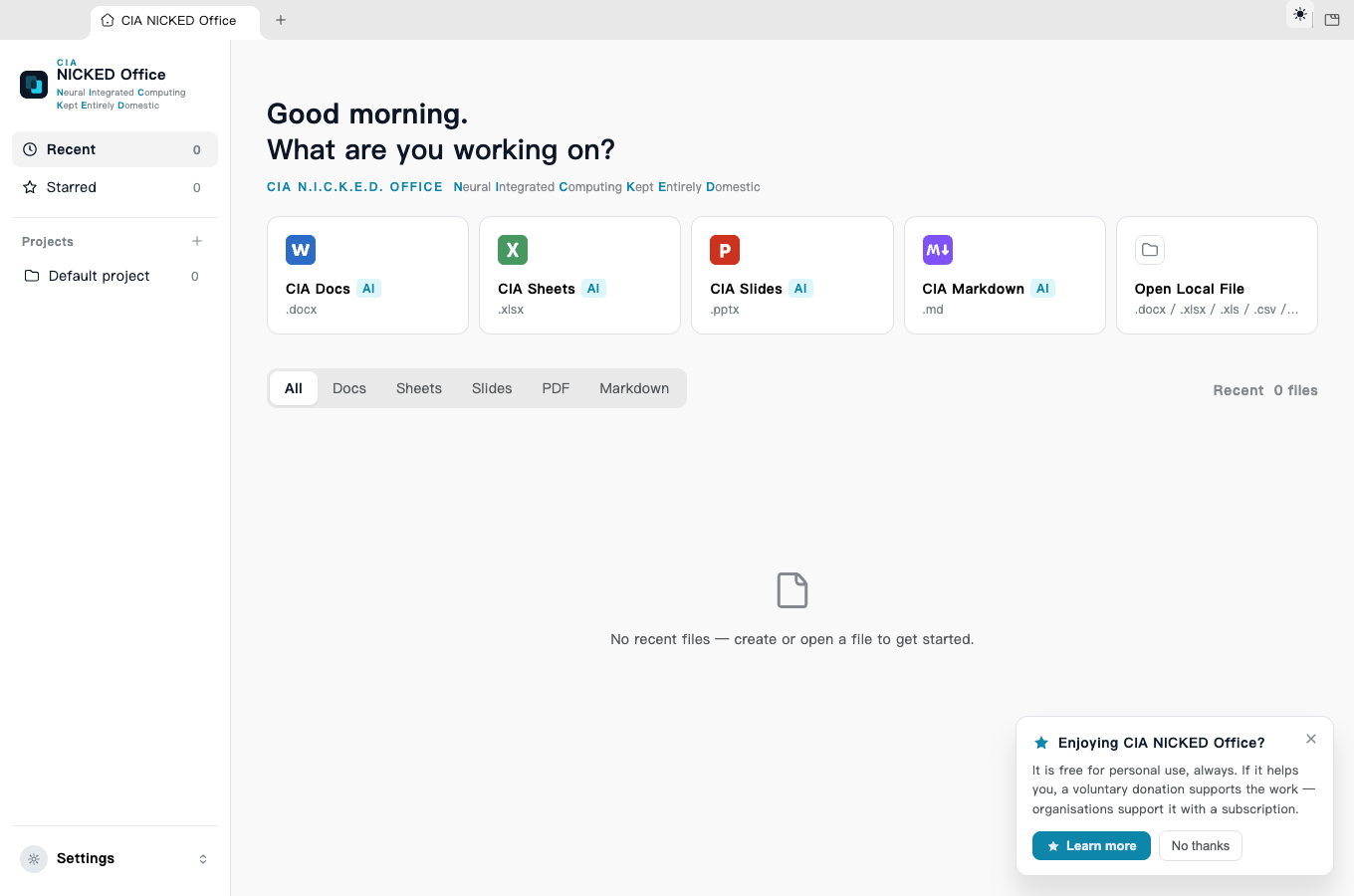
CIA N.I.C.K.E.D. Office™ takes the other route. The suite is real — it opens and saves the Word, Excel and PowerPoint files you already have — and the assistant is real, editing the document through tool calls rather than pasting text at you. The difference is where the model runs: on your machine, on hardware you own, reachable at an address you set.
N.I.C.K.E.D. is Neural Integrated Computing Kept Entirely Domestic. The name is the specification.
What you get
A word processor with the AI in the margin. Ask for a memo and it writes into the document, not into a chat box.
Opens and saves .docx
Formulas, tables and charts. Ask for a quarterly table and the cells fill in.
Opens and saves .xlsx · opens and exports .csv · opens legacy .xls
Slides, layouts, shapes and speaker notes. Ask for a title slide and it appears on the canvas.
Opens and saves .pptx
Read, annotate, sign, fill forms, extract and reorder pages. Editing, not just viewing.
Opens PDF · exports pages as images
A writing surface with live preview. Ask it to summarise the file you just opened and it reads the whole thing.
Opens .md · exports to PDF and .docx
The assistant edits the document directly — writing, rewriting, building tables and charts, adding slides — through tool calls rather than by pasting text into a chat box. However many edits a turn makes, it leaves one roll-back point: a single click puts the document back exactly as it was before that turn started.
Where your work goes
Each of these was written against the source and then attacked — the absolutes that did not survive were rewritten until they did. Where a statement has a limit, the limit is printed next to it rather than left out.
The only address the app's own code ever requests is the model endpoint you set in Settings — by default Ollama on your own machine at localhost:11434. All four of the app's network call sites are built from that one setting, and none of them sends an API key, because there is no account behind it. One exception, and only if you press it: on Windows, the setup assistant's Install Ollama for me button runs Windows Package Manager, which downloads Ollama's official installer.
Every editor window runs under a Content-Security-Policy that names no http or https origin at all. A document you open cannot fetch a remote image or call out on its own, and a separate guard blocks any attempt to navigate a window away from the app.
No analytics SDK, no crash reporter, no usage tracking: none written into our source, and none among the packages the project declares — a test in the repository reads every manifest and every source file and fails if either changes. What the app keeps, it keeps on your machine: your recent files, your language and theme, and a count of documents opened, used for nothing but deciding when to show a single one-off prompt. That is a statement about the code. The packaged binaries have not yet been through an independent bundle scan or packet capture, so this claim stops at the source until they have — the audit is listed as outstanding, by name, on our development page.
There is nothing to log into. The old sign-in checks inherited from the upstream project are answered yes unconditionally, so nothing in the app can ever ask you to authenticate.
Auto-update is off twice over: the start-up call that would launch the updater was removed, and no build contains the update-feed file the updater would need. The corollary is that fixes reach you only when you download a new version — which is why the list below exists.
The vendor client the original project depended on is gone from the source: the 628-line CLI wrapper, the endpoint it called, the account login flow and their tests. In their place are stubs that return an explanatory failure, so features that once used the cloud say they are unavailable instead of quietly reaching for it.
The limit, stated plainly
The model endpoint is a text field. By default it holds
http://localhost:11434/v1 — the Ollama daemon on the computer in
front of you — and in that configuration nothing you write leaves the machine.
You can change it. If you point it at another computer, say a desktop with a bigger GPU on your own network, then your document text goes to that machine. That is a legitimate way to use this — some people will want the model on the workstation and the editor on the laptop — but it is worth being exact: the guarantee is one destination that you choose, not a wall that stops the app talking to anything.
We would rather print that sentence than the shorter one. A promise you have to qualify later is not worth making.
See it work
Every clip is the shipped application, driven by a model running on the same laptop. The recorder saves each document afterwards and checks it — a clip whose document did not come out right is thrown away rather than published.
Recorded with no connection to a model provider — the only endpoint the application contacted was Ollama on the same machine. Clips run at the speed the model actually produced the work; nothing is sped up or cut.
Evidence, not adjectives
Asking the assistant to build a spreadsheet and then checking the screen proves nothing:
the chat panel and the sheet share the same window, so the model's own reply will match
whatever you search for. Our acceptance run opens the saved
.xlsx and .pptx and looks inside the
file instead.
Five cases — a Word memo, an Excel table, a PowerPoint title slide, answering a question out of a PDF, and summarising a Markdown file the assistant loads itself. Run by hand on 28 August 2026 against a 9-billion parameter model, five of five passed, each on the first attempt, so these jobs did not need a large model. The run writes its own dated record — the build, the model and every case's result — into the source tree, so the figures here are read off a stored run rather than copied out by hand. That is still a dated measurement rather than a standing guarantee: it drove the development build, it is started by a person, and the automated suite below — which does run on every change — does not include it.
Over 4,300 automated tests across more than 400 files cover the editors, the document engines and the offline behaviour.
Two products, one conviction
AEGIS is our coding agent. CIA N.I.C.K.E.D. Office is our office suite. They were built by the same company on the same belief — that your work should not have to leave your machine — but they share no code. Each runs your local models through Ollama, on its own. AEGIS can also run against a cloud key if you choose; the office suite speaks only to Ollama, and there is no other provider in its code.
What it costs
Free for individuals, always — donations welcome, never required. Organisations pay a subscription; for organisations over 100 people it is required.
The software itself is licensed under Apache-2.0. These terms govern the service and support relationship — they are not a restriction on your right to the code.
There is no licence key, no activation and no seat check anywhere in the software. Nothing phones home to count you, because nothing phones home at all.
Early access
The builds for macOS, Windows and Linux are on the download page. The list is for afterwards: the application never checks for a new version, so an email here is the only way you will hear that there is a fix worth taking.
Your email, and nothing else. No tracking on this site.